![icon-audiense (2).svg]](https://help.audiense.com/hubfs/icon-audiense%20(2).svg)
As you know, to switch between the Connect and Insights dashboards you can use the icon of the 4 squares in the top right of your screen. However, you can now select your preferred dashboard, so that each time after you log-in, you’ll be right where you want to be.
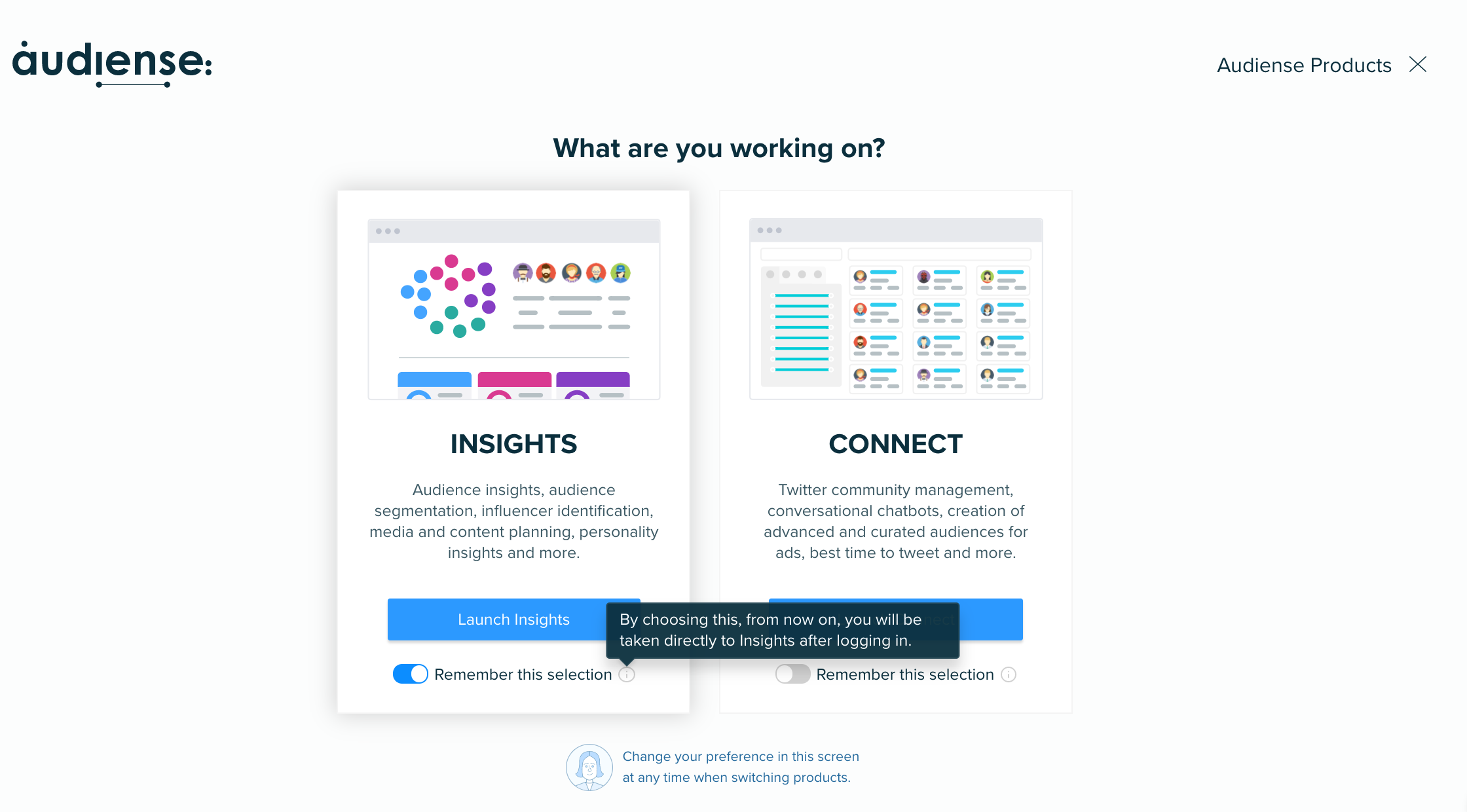
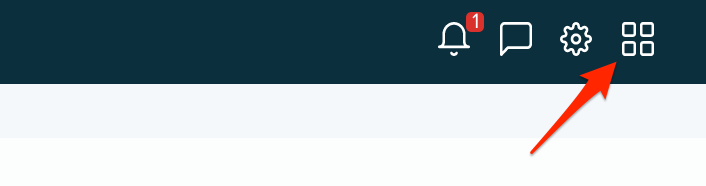
You can easily set your preference from first clicking on the 4 squares icon, and then selecting ‘remember this selection’, you can also change this selection at any time when switching between Connect and Insights.
If you’re a free user of Audiense and have neither dashboard selected, after logging in, you will be taken directly to this selection screen.